Taking Notes
AI-Generated Notes
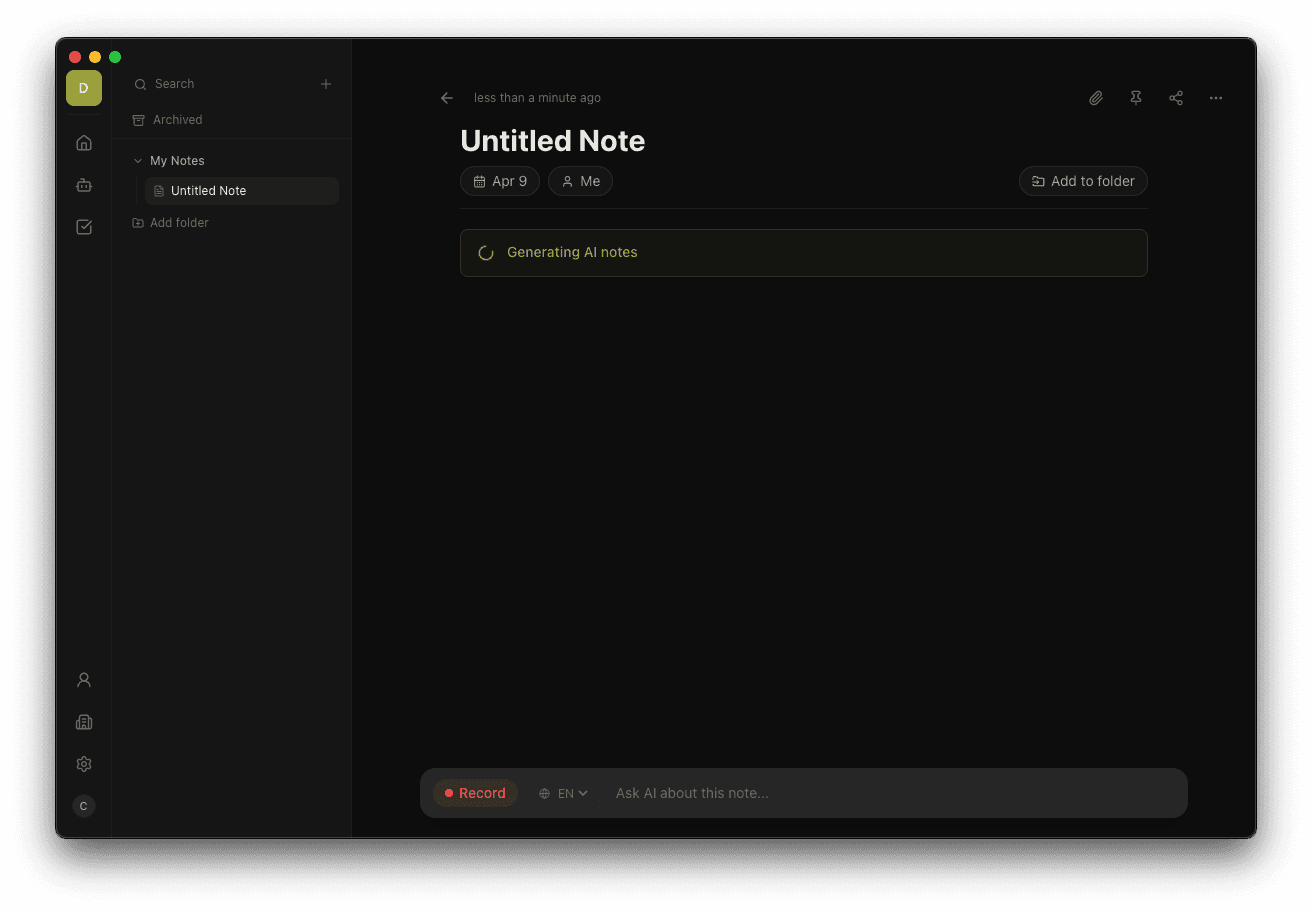
After your meeting, Ringo automatically generates a structured summary with action items and key points.
When a recording ends, Ringo processes the transcript and generates a structured note using AI. You get a clean, readable summary without having to write anything yourself.
What gets generated
A typical Ringo note includes:
- Summary — a concise overview of what was discussed
- Tasks — action items assigned to meeting participants, trackable in the Tasks view
- Key decisions — important decisions made during the meeting
- Topics covered — a breakdown of the main subjects discussed
Adding your own notes
You can type your own notes into the note editor at any time — before, during, or after the meeting. Ringo incorporates your manual notes into the final generated summary.
Regenerating a note
If you're not happy with the generated output, you can regenerate it:
- Open the note.
- Click the Generate button (or ··· menu → Regenerate).
- Ringo re-processes the transcript and produces a new version.
Regenerating replaces the current generated content. Your manually typed notes are preserved.
Generation time
Most notes are generated within 10–30 seconds after recording stops, depending on the length of the meeting.