Getting Started
Download & Install
Get Ringo running on your Mac in under two minutes.
Ringo is a native macOS app. It requires macOS 13 (Ventura) or later.
Install
- Download Ringo from our website at ringoai.app.
- Open the
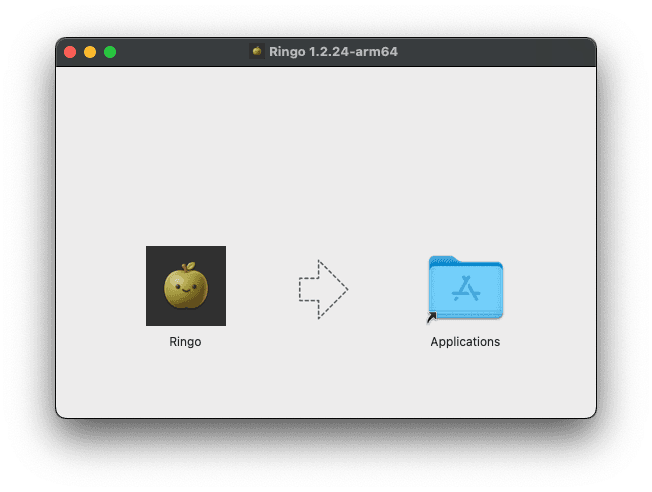
ringo.dmgfrom your Downloads. - Drag the Ringo icon into your Applications folder.
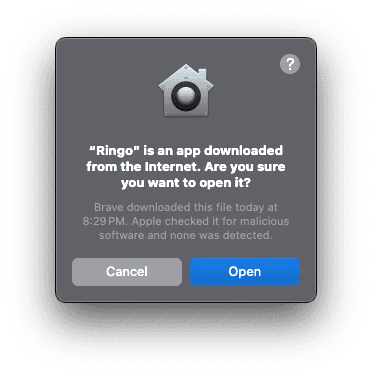
- If macOS shows a security warning, click Open to proceed.
Microphone permission
Ringo needs microphone access to capture meeting audio. On first launch, macOS will ask for permission — click Allow.
You can verify this anytime in System Settings → Privacy & Security → Microphone.
Ringo uses native macOS audio APIs to capture system and microphone audio. No bots are added to your meetings — nothing is visible to other participants.